

HP Deskjet Ink Advantage 3515
Windows XP/Vista/7/8/8.1/10 — рекомендуем полный пакет
Windows XP/Vista/7/8/8.1/10 — базовый пакет
Размер: 24 MB (x32) и 26 MB (x64)
Установка драйвера в Windows 10
Принтер HP Deskjet Ink Advantage 3515, как и модели других фирм, для работы требуют инсталляции программы. Она есть в свободном доступе, процедура установки не сложная. Наша инструкция подскажет вам, как провести работу быстро. Чтобы скачать драйвер HP Deskjet Ink Advantage 3515 кликните на ссылку на этой странице, она находится немного выше.
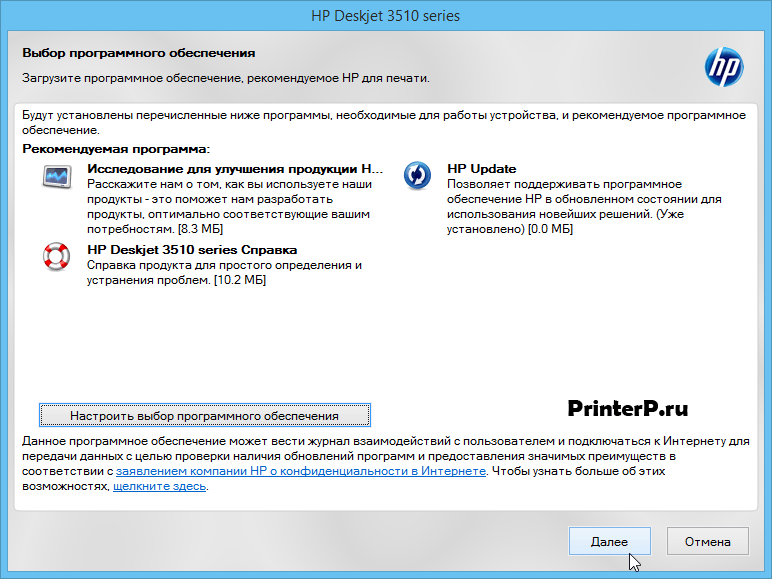
Вам надо запустить загруженный дистрибутив. В первом окне есть возможность изучить документы, можете этого не делать, просто нажмите «Далее».
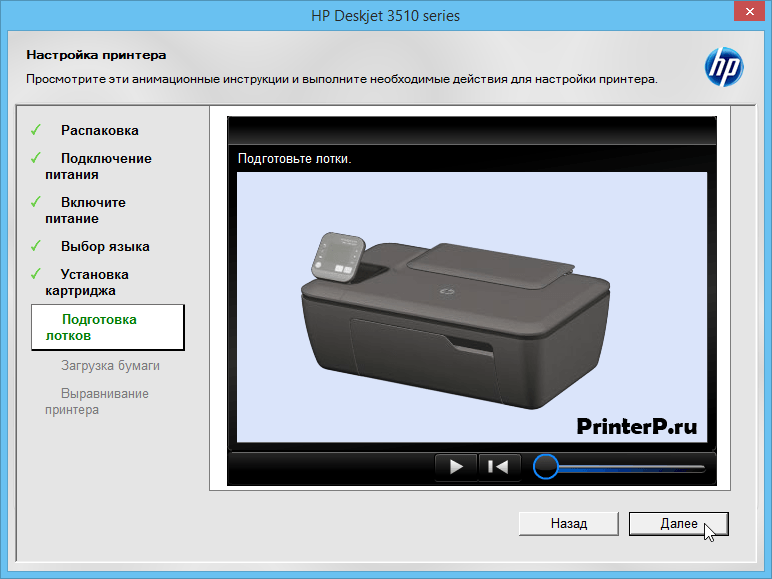
Подготовьте лотки. Как это сделать можно узнать из видео. Жмите «Далее».
Загрузите бумагу. Видео снова вам в помощь, когда сделаете, жмите «Далее».

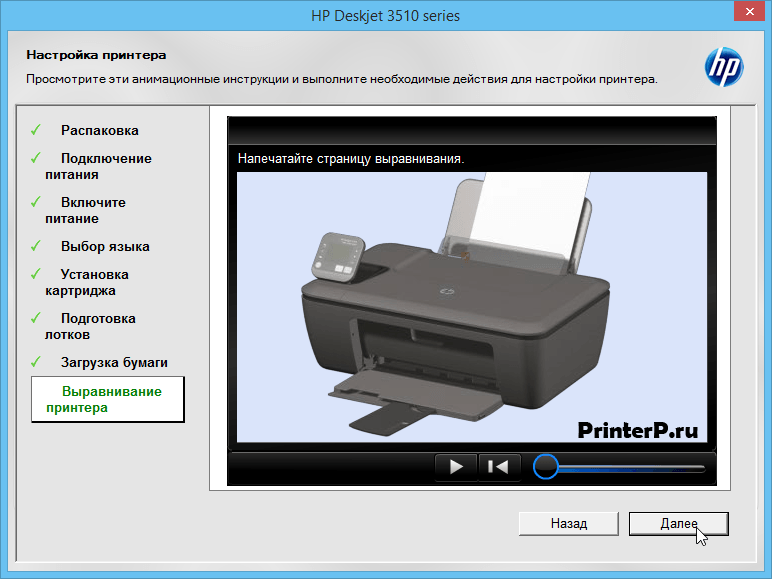
Из новой записи вы узнаете, как сделать выравнивание принтера. Потом снова на кнопку «Далее».
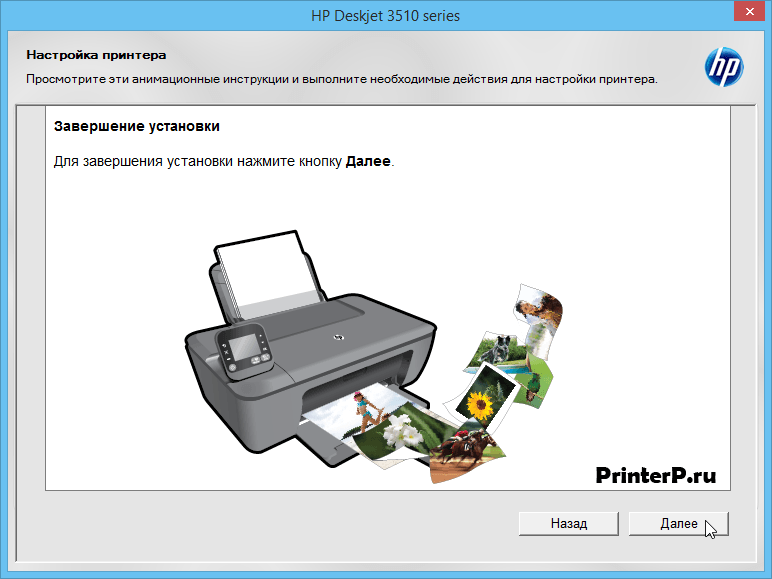
Опять нажмите на «Далее».
Выберете способ подключения через USB-порт (второй кружочек), и опять на «Далее».
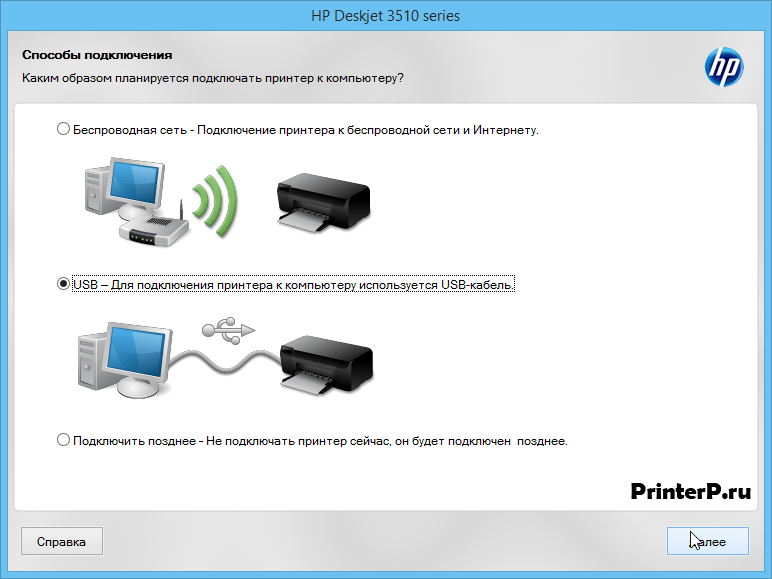

Теперь можно подключать устройство. Перед этим убедитесь, что сделаны все подготовительные работы. Инструкция по подключению описана в новом окне. Жать на кнопки не нужно, окно само закроется.

В новом окне есть описание действий, которые вам надо выполнить. Сделайте это. Когда закончите, жмите на «Готово» и можете пользоваться принтером.
HP Deskjet Ink Advantage 3515 (нажмите для увеличения)
Скачивая, Вы соглашаетесь с лицензией HP .
Полный
ОС: Windows XP/Vista/7/8/8.1/10
Разрядность: 32/64
Язык: Русский
Версия: 28.8
Дата: 3.06.2015
Полный драйвер содержит дополнительное ПО для расширения функциональности устройства.
Базовый
ОС: Windows XP/Vista/7/8/8.1/10
Язык: Русский
Версия: 28.8
Дата: 15.07.2015
Определиться с разрядностью системы поможет эта статья. В базовом драйвере нет дополнительного программного обеспечения доступного в полной версии.
Критическое обновление
ОС: Windows XP/Vista/7/8/8.1/10
Язык: Русский
Версия: GBP1FN1608AR
Дата: 14.09.2016
Устраняет проблему при печати некоторых документов на встроенных драйверах в операционной системе Windows 8. Перед установкой выключите МФУ на 1 минуту. Включить устройство и убедитесь в отсутствии ошибок на дисплее. Это обновление добавляет поддержку HP ePrint для этого МФУ.
- Заправка картриджа HP 650 для этого МФУ.
- HP Print and Scan Doctor — поможет справиться с мелкими неполадками при работе с МФУ.
- Мастер установки принтера HP — поможет скачать и установить самое свежее ПО для вашего устройства.
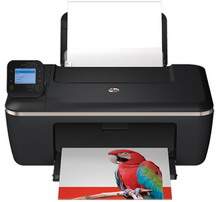
The HP Deskjet Ink Advantage 3515 is a multifunctional printer that can print, scan and copy. It is also perfectly suitable for personal as well as commercial use. This device is powered with advanced technology and performed multiple functions.
HP Deskjet Ink Advantage 3515 driver Supported Windows Operating Systems
| Supported OS: Windows 10 32-bit, Windows 10 64-bit, Windows 8.1 32-bit, Windows 8.1 64-bit, Windows 8 32-bit, Windows 8 64-bit, Windows 7 32-bit, Windows 7 64-bit, Windows Vista 32-bit, Windows Vista 64-bit, Windows XP 32-bit | |||
| Filename | Size | ||
| Full Feature Drivers and Software for windows.exe | 65.63 MB | Download | |
HP Deskjet Ink Advantage 3515 driver Supported Mac Operating Systems
| Supported OS: macOS Mojave 10.14.x, macOS High Sierra 10.13.x, macOS Sierra 10.12.x, Mac OS X El Capitan 10.11.x, Mac OS X Yosemite 10.10.x, Mac OS X Mavericks 10.9.x, Mac OS X Mountain Lion 10.8.x, Mac OS X Lion 10.7.x, Mac OS X Snow Leopard 10.6.x | |||
| Filename | Size | ||
| HP Easy Start for Mac OS X 10.8 to 10.14.zip | 9.08 MB | Download | |
Specifications
The Physical dimension of this model is 156 mm x 427 mm x 306 mm, and the total weight of the printer is 3.6kg. This device comes with a single input tray which can handle a maximum of 60 sheets of plain paper and its output tray capacity is up to 30 sheets of same paper type. This device supports different paper sizes and media types.
As of its printing performance, it can print documents at a maximum speed of 20 pages per minutes or up to 16 color pages per minute. The color print resolution of the printer stands at 4800 x1200 dpi and 600 dpi as monoprint resolution. The duty cycle is up to 1000 pages per month, and the optional monthly volume is 300-400 pages.
While the copy specification includes digital image processing, and the copy speed depends on the document complexity. Also, copy speed also varies according to the complexity of the document. As for its scanning specification, this device can scan documents with resolution up to 1200 x 1200 PPI as optical. Also, its scan function allows 24-bit color and 8-bit for grayscale.
When it comes to power consumption, it has minimum requirements for input voltage from 200 to 240 VAC in India and China. For other countries, it requires for input voltage 100-240 VAC and minimum frequency requirement is 50/60 Hz.
The printer not specially designed according to weather variations, and it could face extreme weather conditions. As for their environment specification, users can store it within the minimum temperature range of 40°C to 60°C.
Download HP Deskjet Ink Advantage 3515 e-All-in-One Printer driver from HP website