

CDRViewer Pro является Pro версией программы CDRViewer, с помощью которой Вы сможете открывать и смотреть файлы CorelDRAW в системе macOS. Мы разработали простое приложение, которое позволяет открывать файлы CorelDRAW в системе macOS и экспортировать в векторный файловый формат PDF. Открытие файлов в формате CorelDRAW теперь возможно на операционных системах macOS. После установки CDRViewer Pro на Вашей macOS, Вы сможете открывать файлы в формате CDR.
Файловый формат CDR означает CorelDRAW и данное расширение является закрытым форматом, используемым программным обеспечением CorelDRAW. Формат CDR не распознается другими редакторскими программами и для того, чтобы сохранить в другие форматы изображения, их следует открыть в программе CorelDRAW и только после этого экспортировать в другой формат. С помощью CDRViewer Pro нет необходимости открывать в другой системе, устройстве или программном обеспечении для отображения и сохранения файловых форматов CDR.
Особенности:
- Простой, полезный и эффективный инструмент для дизайнеров.
- CDRViewer Pro работает в системе macOS.
- CDRViewer Pro может экспортировать CDR (CorelDRAW) файлы в векторный файловый формат PDF.
- Функция быстрой загрузки и масштабирования.
- Все предыдущие открытые CDR файлы архивируются для последующего быстрого доступа.
- Поддержка кириллицы и других символов.
- Примечание: Некоторые специальные эффекты такие как градиент, размывка, могут иногда открываться не правильно. Также, чтобы шрифт открывался корректно, используемый шрифт должен быть установлен на Вашем устройстве.
Version 2.2
Thank you to everyone who provided their feedback and comments, we’ve really enjoyed getting the chance to chat with you all.
New
- CDRViewer Pro is fully compatible with macOS High Sierra
- Updated English language translations
- New .cdr file rendering form to show content
- Mouse Scrolling
- Added ColerDRAW file Gallery
Improvement and Bug Fixes
- Resolved a bug that CDRViewer Pro’s main window not shown for some users
- Fixed an issue that would result incorrect font type
Here is a list of the best free MAC CDR viewer software. These freeware let you view CDR files on MAC. CDR files are mostly supported in proprietary software, like: CorelDRAW, Adobe Illustrator, Corel PaintShop Photo Pro, Corel WordPerfect Office, and Adobe FreeHand. The freeware listed in this article are good alternatives to the above mentioned proprietary software and let you view CDR files on MAC for free. You can also choose the option to edit CDR files with some of these free MAC CDR viewer software. You are allowed to work around with layers, paths, nodes, filters, clipart, fontwork, charts, text, 3D shapes, stars, images, tables, etc.
CDR is a vector file format and was introduced as a proprietary file format for CorelDRAW; however, now it can be opened with various other software on several platforms. These software are still limited in number.
My Favorite Free MAC CDR Viewer Software:
Out of this list of free MAC CDR viewers, I like Inkscape the most. It is due to the fact that it is quite feature rich and easily lets you view CDR files on MAC. CDR files can also be edited using several built in tools, like: paths, layers, and editing tools. CDR files can also be converted to other image formats with these freeware, like: SVG, SVGZ, PDF, PNG, PS, EPS, EMF, WMF, SK1, etc.
Inkscape

Inkscape can be used to view CDR files for free. But in order to do that, you need to have XQuartz or X11 installed on your system; if installed, you can easily choose the option to view and edit CDR files.
If required you can also choose to make some minor edits to CDR file. Here you are allowed to work with layers, points, paths, nodes, change colors, text, filters, extensions, etc. Following tools are available to edit CDR files in Inkscape:
- Path Tools: Object to path, stroke to path, trace bitmap, trace pixel art, union, difference, intersection, exclusion, cut-path, combine, break apart, inset, outset, dynamic offset, linked offset, simplify, reverse, path effects, paste path effect, and remove path effect.
- Layer Tools: You can add layer, remove layer, switch layer, show/hide layer, raise layer, lower layer, duplicate layer, move layer, etc.
- Filter tools: Filter effects like bevel, blur, bump, color, distort, fill, transparency, morphology, overlays, pixel tools, shadows, glows, textures, etc. can also be added.
- Object Tools: Use fill, stroke, group, ungroup, clip, mask, pattern, rotate, flip, transform, align, distribute, and arrange to edit vector objects.
- Extension Tools: Arrange, color, export, Gcode tools, generate from path, images, JessyInk, raster, render, typography, etc.
CDR files can also be chosen to be exported in various formats, like: SVG, SVGZ, PDF, PNG, PS, EPS, EMF, WMF, POV, FX, ODG, TEX, DXF, GPL, XCF, HPGL, HTML, ZIP, PLT, SK1, FXG, XAML, ZIP, SIF, and TAR.
LibreOffice Draw

LibreOffice is a good freeware Office suite and is among the very few software which can be used to view CDR files on MAC. The best part of LibreOffice is that you don’t need to install any additional software to view CDR files. Just install LibreOffice and you are good to view CDR files on OS X in LibreOffice Draw. You can also and make some minor edits and changes to CDR files if you want.
Here different vector objects can be resized, added, rotated, removed, and different properties can be changed for different objects, like: paragraph, area, shadow, line, position, size, etc. The best part about it is that you are also allowed to play around with points, paths, layers, shapes, sizes, etc. to help you achieve desired results.
Choose the option to insert several items, like: clipart, fontwork, images, charts, tables, text, 3D shapes, stars, callouts connectors, basic geometric shapes, and many more such items.
If required you can also choose the option to save it as ODG, FODG, and OTG. CDR files on MAC can also be exported as HTML, XHTML, PDF, SWF, BMP, EMF, EPS, GIF, JPEG, MET, PBM, PCT, PGM, PNG, PPM, RAS, SVG, SVM, TIFF, WMF, and XPM.
CDRViewer

CDRViewer is a small tool to help you view CDR files on MAC OS X for free. It is a good software with the option to view CDR files easily along with the zoom in and zoom out feature. It only serves the purpose of viewing CDR files. Sometimes you may encounter error in viewing CDR files in case it has special effects, like: gradient, blurs, or if appropriate fonts are not installed on your system.
A pro version is also available that lets you export CDR files to SVG and PDF file formats.
XnConvert

XnConvert is a simple software where you can choose the option to preview CDR files on MAC. The preview of CDR files can also be zoomed in and zoomed out and provides just a basic idea of the CDR file.
If required, option can also be chosen to edit CDR files. The simple editing tools can be categorized as: sectors, image, map, filter, and misc. Option can also be chosen to convert CDR files on MAC into other popular formats, like: GIF, ICO, JPEG, PDF, RAW, PS, PSD, TGA, TIFF, etc.
Here you can further set parameters for output image:
- Output settings: Here you can choose to specify the folder location for the output file.
- Filename settings: Settings for renaming the file name of the CDR file.
- Multipage option: Here you can select whether to convert multipage file to multipage file or not, and whether to convert all pages from multipage file.
- Other Options: Select if you want to keep folder structure or not, keep original date/time attributes, preserve metadata, preserve color profile, and delete original file or not.
Note: This viewer could not open every test CDR file during testing. Preview of some of the CDR files were generated during testing, while some CDR files didn’t work.
Abdusodiq Saidov
-
- 2.5, Оценок: 17
-
- Бесплатно
Снимки экрана
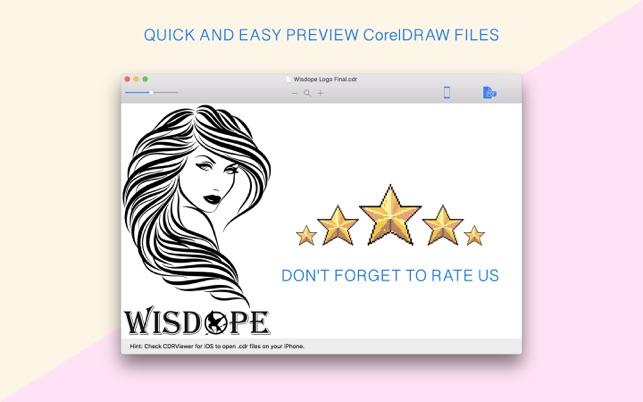
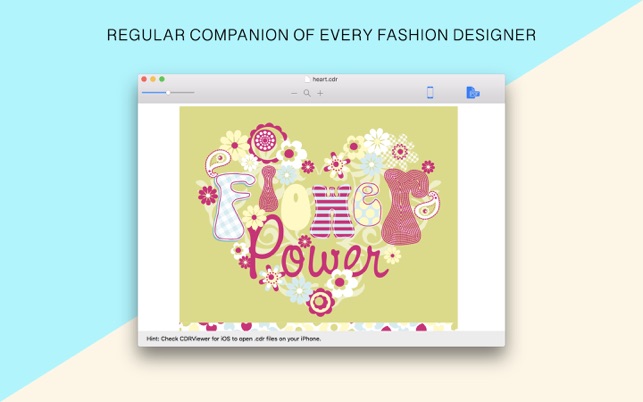

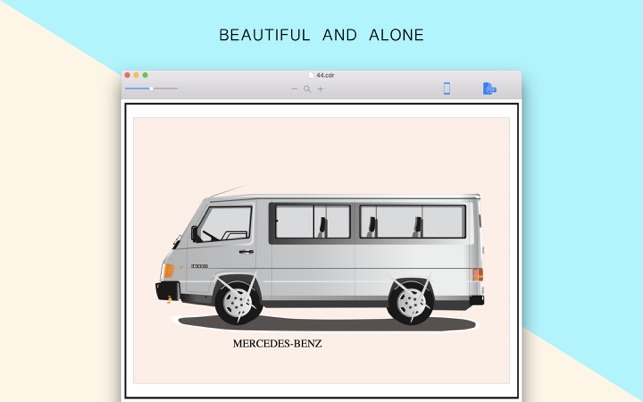

Описание
— — — Дайте новую жизнь своим старым файлам — — —
До сих пор я не мог открыть файлы CorelDRAW на моем iMac. Поскольку каждый дизайнер знает, что CorelDRAW прекращается после версии 11. Теперь мы разработали простое приложение, которое открывает файлы CorelDRAW на macOS. Теперь можно открыть файлы формата CorelDRAW на macOS. Когда вы устанавливаете CDRViewer на свой MacOS, вы сможете открывать CDR-файлы.
— — — Никогда не теряйте их снова — — —
+ CDRViewer Clean and Free
— CDRViewer является бесплатным и не содержит каких-либо вредоносных программ, включая, но не ограничиваясь: шпионское ПО, вирусы, трояны и бэкдоры.
+ CDRViewer Стабильный и быстрый
— CDRViewer использует только библиотеки, которые необходимы для обработки, интерфейс является простым и простым в использовании. Все это обеспечивает более быструю и стабильную работу приложения.
+ CDRViewer Дружественный интерфейс
— CDRViewer очень прост и удобен в использовании. Все что вам нужно — это открыть CDR-файл, увеличить и сохранить в другом формате, если хотите.
CDRViewer является бесплатным для использования программного обеспечения. Формат файла CDR означает CorelDRAW, и это расширение является проприетарным форматом, используемым программным обеспечением CorelDRAW. Формат CDR не распознается другими программами редактирования изображений и сохраняется в других форматах изображений, которые необходимо открыть в CorelDRAW, а затем экспортировать в другом формате. Это можно сделать только в Windows. С CDRViewer нет необходимости в другой операционной системе и другой машине для отображения форматов файлов CDR.
1. CDRViewer является бесплатным для использования программного обеспечения.
2. CDRViewer запускается на вашем macOS.
3. Быстрая загрузка файлов.
4. Все ранее открытые CDR-файлы архивируются для более быстрого доступа для последующего использования.
5. PrintLab Studio (Pro версия CDRViewer) может экспортировать ваши файлы CDR (CorelDRAW) в формат файла формата PDF. (Это функция Pro).
6. Автономное программное обеспечение, CorelDraw, Adobe Acrobat и Reader НЕ требуется!
7. Нет ограничений на размер файла для чтения файлов CDR.
8. Автономный инструмент для просмотра файлов CDR без установки CorelDRAW.
9. Опция Zoom In & Out.
Простой и полезный продуктивный инструмент для дизайнеров.
PrintLab Studio — это Pro версия CDRViewer. Эта версия предлагает больше функций, таких как экспортированный открытый CDR-файл в форматы файлов SVG и PDF. Если у вас есть какие-либо идеи или функции, не стесняйтесь отсылать сообщения о своих мнениях, используя нашу страницу контактов.